
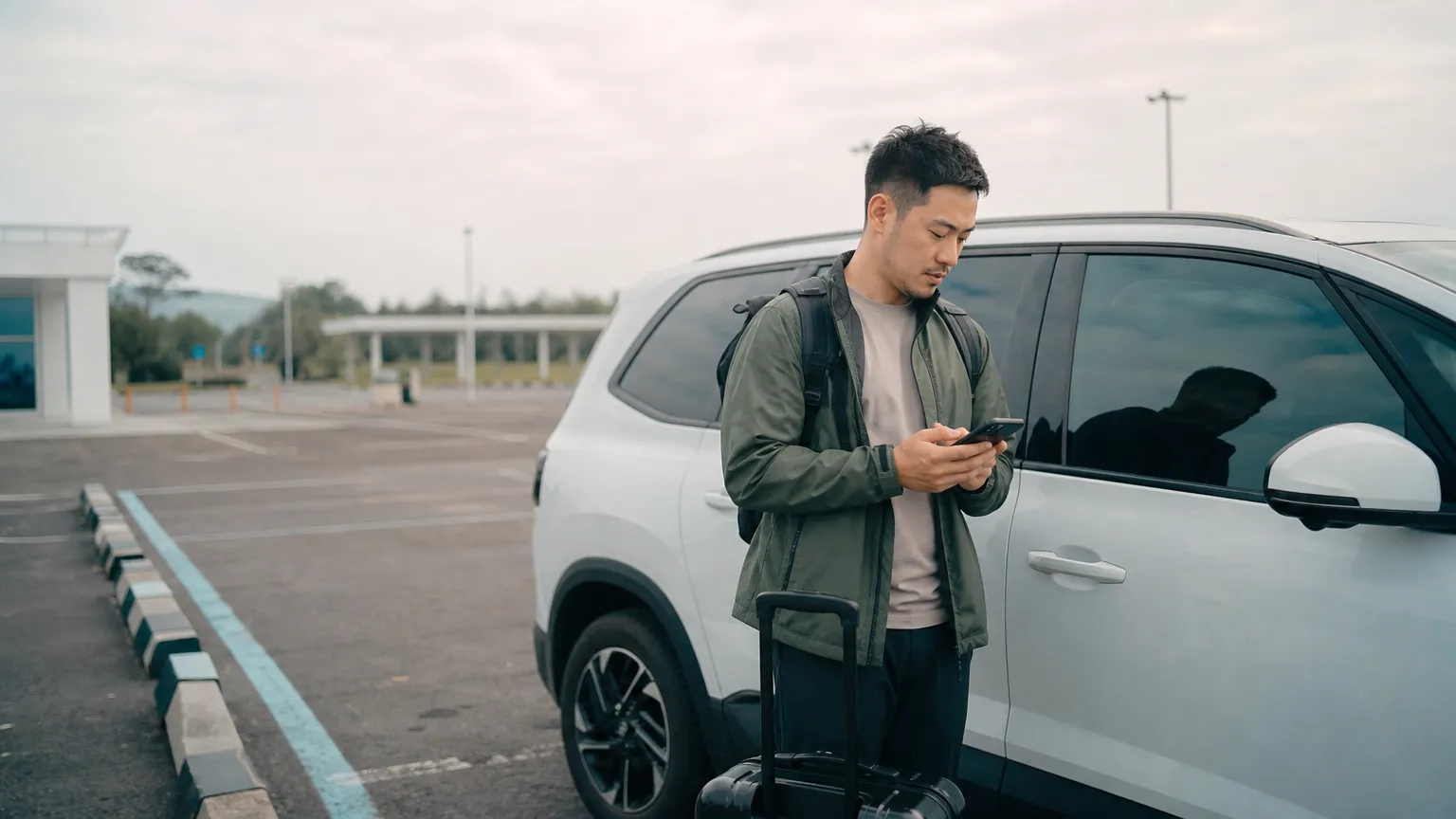
Contactless car rental pickup moves the counter steps online. You confirm your booking, identity, driving eligibility, and payment before arrival. Once approved, you receive instructions for finding and accessing the vehicle. It removes the queue, not the safety checks.
Follow your booking's pickup instructions in My Trip. Online driver registration does not mean that every pickup is unattended. In Seoul, DH Rent-a-Car provides self-service collection at the agreed delivery address; the assigned location's instructions determine the steps.
What contactless car rental pickup means
The Association of Car Rental Industry System Standards defines contactless rental as a process that lets an eligible driver skip the counter and access the vehicle through methods such as keyless entry, a key dispenser, a secure compound, or an unmanned kiosk [1].
In practical terms, the rental still has three stages:
- Book: choose the vehicle, dates, coverage, and payment method.
- Verify: submit the required driver and identity documents before pickup.
- Access: follow the location-specific instructions at the scheduled start time.
What to complete before pickup
Finish verification early enough to correct a blurred image, expired document, or name mismatch. For rentals in Korea, the Korea Tourism Organization says short-term visitors generally need a valid International Driving Permit, must be at least 21, and should present a passport or alien registration card. Some rental companies also request the home-country license, and company rules may be stricter [2].
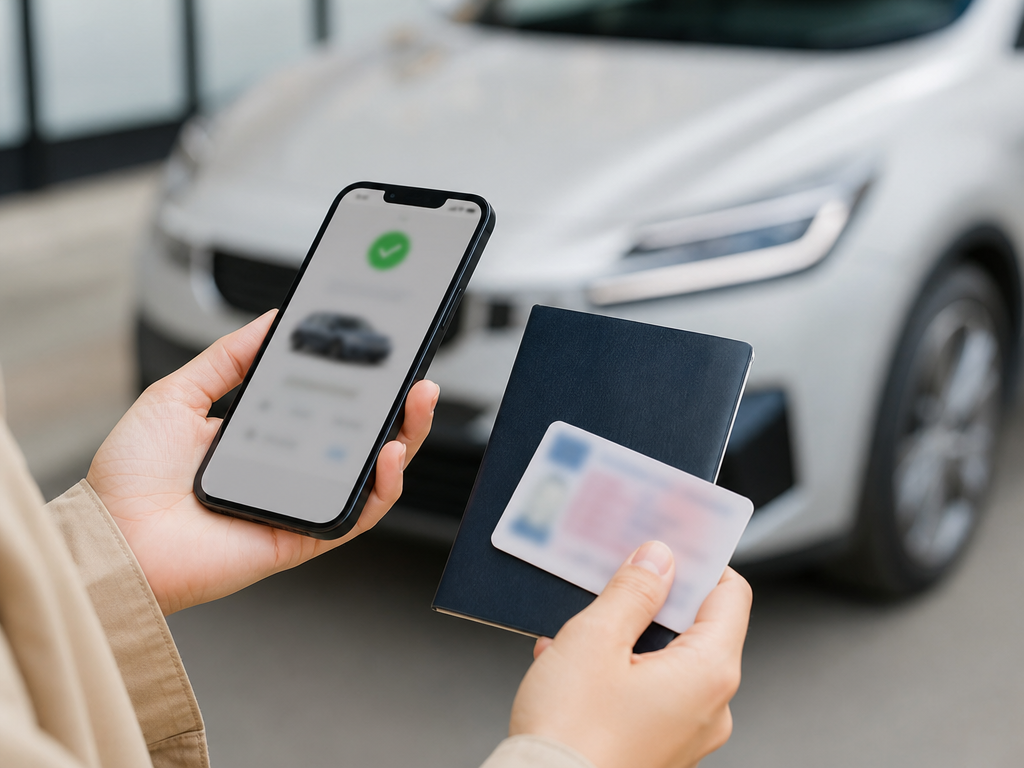
- Check that the registered driver's details match their driving documents. The payment card may be in a different person's name.
- Make sure every required document stays valid through the end of the rental.
- Upload clear, uncropped images with all required details visible.
- Review the pickup time, location, vehicle access method, and support channel.
- Keep the physical passport, license, and IDP with you even after online verification.
Complete driver registration before pickup and check the result on the registration screen. If staff review is needed, Orcar will contact you when it is approved or a correction is required. Staff review has no fixed completion time. Follow your booking's pickup instructions in My Trip. Online driver registration does not mean that every pickup is unattended. In Seoul, DH Rent-a-Car provides self-service collection at the agreed delivery address; the assigned location's instructions determine the steps.
What happens at the vehicle
Open the final pickup message before you arrive. It should tell you where the car is parked, how to identify it, when access becomes available, and where the key is located if a physical key is used.
- Confirm the license plate and vehicle details against the booking.
- Photograph the exterior, wheels, glass, fuel or battery level, and interior before moving the car.
- Report existing damage through the stated channel before departure.
- Check that the key, parking instructions, fuel policy, and emergency contact are available.
- Start the trip only after the scheduled rental time and successful access confirmation.
If the plate, location, or access method does not match your instructions, stop and contact support. Do not try another vehicle or share an access code.
Contactless pickup vs counter pickup
| Step | Contactless pickup | Counter pickup |
|---|---|---|
| Document check | Usually completed online before arrival | Usually completed with staff on arrival |
| Queue | Often skipped after approval | May be required |
| Vehicle access | Digital access, key box, kiosk, or directed key location | Key handed over by staff |
| Damage record | Traveler follows a digital photo and reporting flow | Traveler may review the vehicle with staff |
| Help | Remote support channel | On-site staff during opening hours |
Contactless pickup is most useful when instructions are precise and verification is finished before arrival. Counter pickup can be better when your documents need manual review or you prefer an in-person handover.
Your five-minute pickup checklist
- Verification approved
- Original documents packed
- Pickup map and parking location saved
- Phone charged with mobile data available
- Plate and vehicle matched
- Condition photos completed before driving
- Fuel, return, and emergency instructions saved
Ready to see the full Orcar journey? Review how Orcar works from booking to return, then search available cars for your trip.
Frequently asked questions
Can I pick up a rental car without showing documents?
No. Contactless pickup changes where the checks happen. It does not remove identity, license, payment, age, or local eligibility requirements.
Should I still carry physical documents?
Yes. Carry the originals required by your rental company and destination. An online upload may not replace the documents you must possess while driving.
What if verification is still pending on pickup day?
Contact the rental company before traveling to the pickup point. Access may not be released until verification is complete.
What should I do if I find damage?
Photograph it clearly and report it through the instructed channel before moving the vehicle. Keep the submission confirmation with your trip records.
Sources
[1] ACRISS, Contactless Rental
[2] Korea Tourism Organization, Driving in Korea
[3] Orcar, How Orcar Works